 Morgan Barnhart
Business, Environment, Tech
Morgan Barnhart
As the driving force behind MorganBarnhart, our author is a passionate advocate for blending business acumen with technological innovation. With a background that spans both the entrepreneurial and tech worlds, they are dedicated to helping businesses navigate the complexities of the digital age. Read More
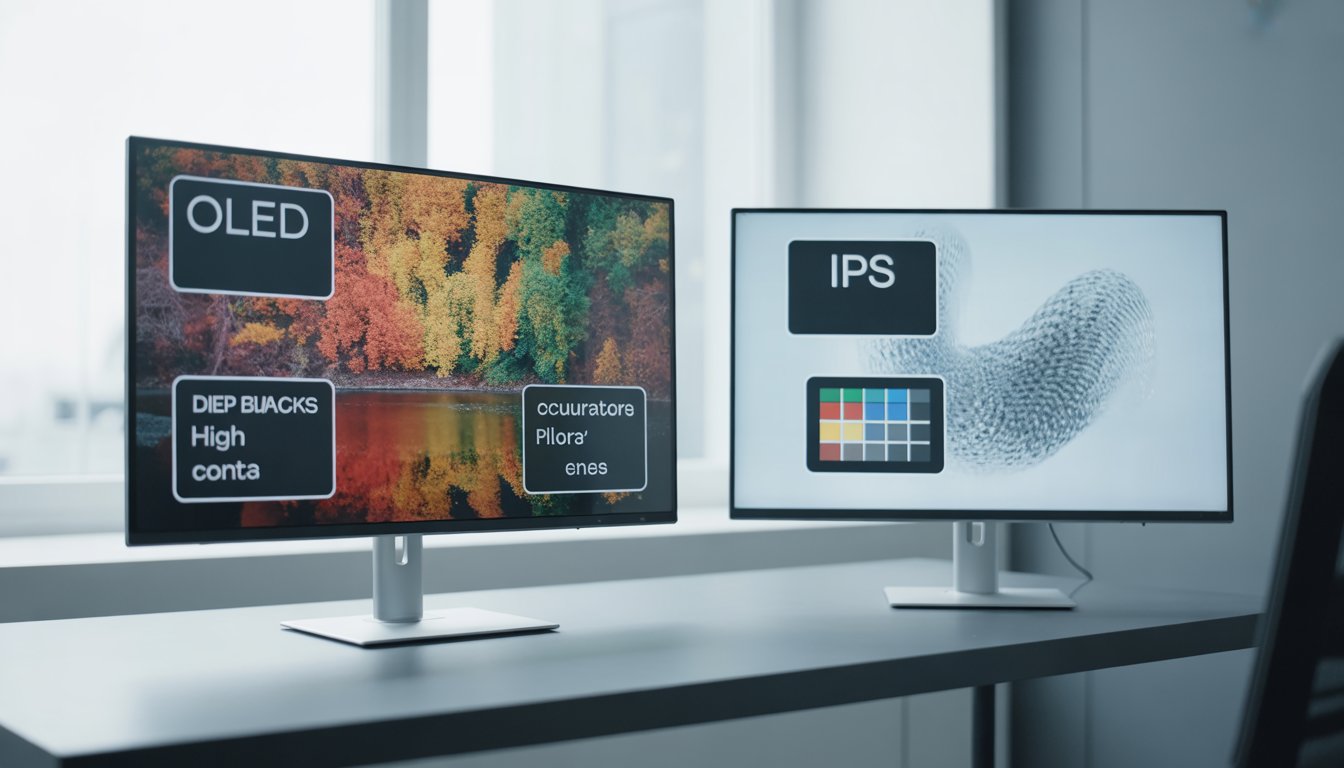
When choosing between OLED and IPS displays, it’s important to understand how each technology affects your viewing experience. OLED screens deliver deeper blacks and higher contrast, making them ideal if you prioritize vibrant visuals and HDR performance. However, IPS panels generally offer more accurate colors and brighter screens, which can be better for tasks requiring consistent color representation.
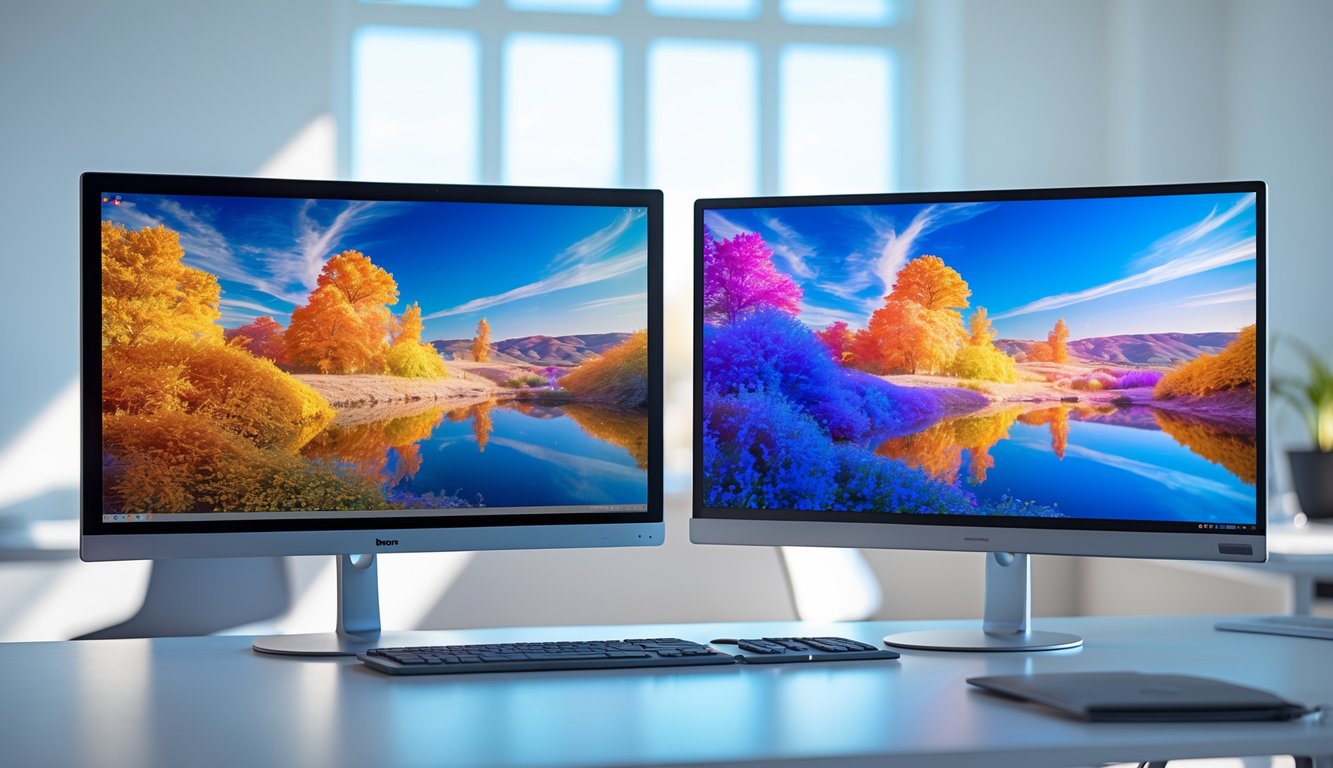
Your decision depends on how you use your device. For gaming or watching movies, OLED’s rich colors and contrast can enhance immersion. On the other hand, if you work with graphics or need a display with wider viewing angles and less risk of burn-in, an IPS monitor might be more suitable.
Knowing the strengths and limitations of both can help you pick the right screen without guessing. Explore the differences in image quality, brightness, and price to find the perfect balance for your needs. For more details, see the comparison between OLED vs IPS monitors.
You will encounter two main display technologies: IPS and OLED, each with distinct methods of creating images. Their differences affect color accuracy, contrast, response times, and viewing angles, which impact your experience depending on your use case.
IPS (In-Plane Switching) is a type of LCD panel technology known for its strong color accuracy and wide viewing angles. It works by aligning liquid crystals in parallel to the display plane, allowing light from an LED backlight to pass through and create images.
IPS displays rely on a backlight, so black levels are limited compared to self-emissive screens. However, they produce consistent, accurate colors and maintain image clarity from various angles, making them popular for tasks like photo editing and general use.
You can expect slightly slower response times than OLEDs, but modern IPS panels have improved. They tend to be more affordable and durable, with less risk of burn-in over time.
OLED (Organic Light Emitting Diode) screens generate light directly from organic compounds that emit light when an electric current passes through. This self-emissive nature means each pixel can turn on or off individually, providing perfect black levels and extremely high contrast ratios.
Because OLEDs do not require a backlight, they are thinner and more flexible than IPS panels. They also offer faster response times and vibrant colors, especially useful for gaming and HDR content.
However, OLEDs are typically more expensive and can suffer from burn-in issues with static images. They consume less power when displaying dark scenes but more during bright, colorful content.
| Feature | IPS Display | OLED Display |
|---|---|---|
| Backlight | Uses LED backlight | Self-emissive pixels (no backlight) |
| Black Levels | Limited blacks due to backlight | True blacks by turning off pixels |
| Color Accuracy | Excellent color accuracy | Vibrant colors with high saturation |
| Viewing Angle | Wide, minimal color shift | Almost perfect, with no shift |
| Response Time | Moderate; improved in newer models | Very fast response times |
| Burn-in Risk | Very low | Possible with static content |
| Price | Generally more affordable | Typically higher cost |
| Power Efficiency | Consistent power use | More efficient with darker images |
This table shows the practical contrasts affecting what you might prioritize, whether it’s color precision, contrast, durability, or cost. Choosing between IPS and OLED depends on how these features fit your needs.
For more details on how these technologies compare, you can consult this OLED vs IPS panel breakdown.
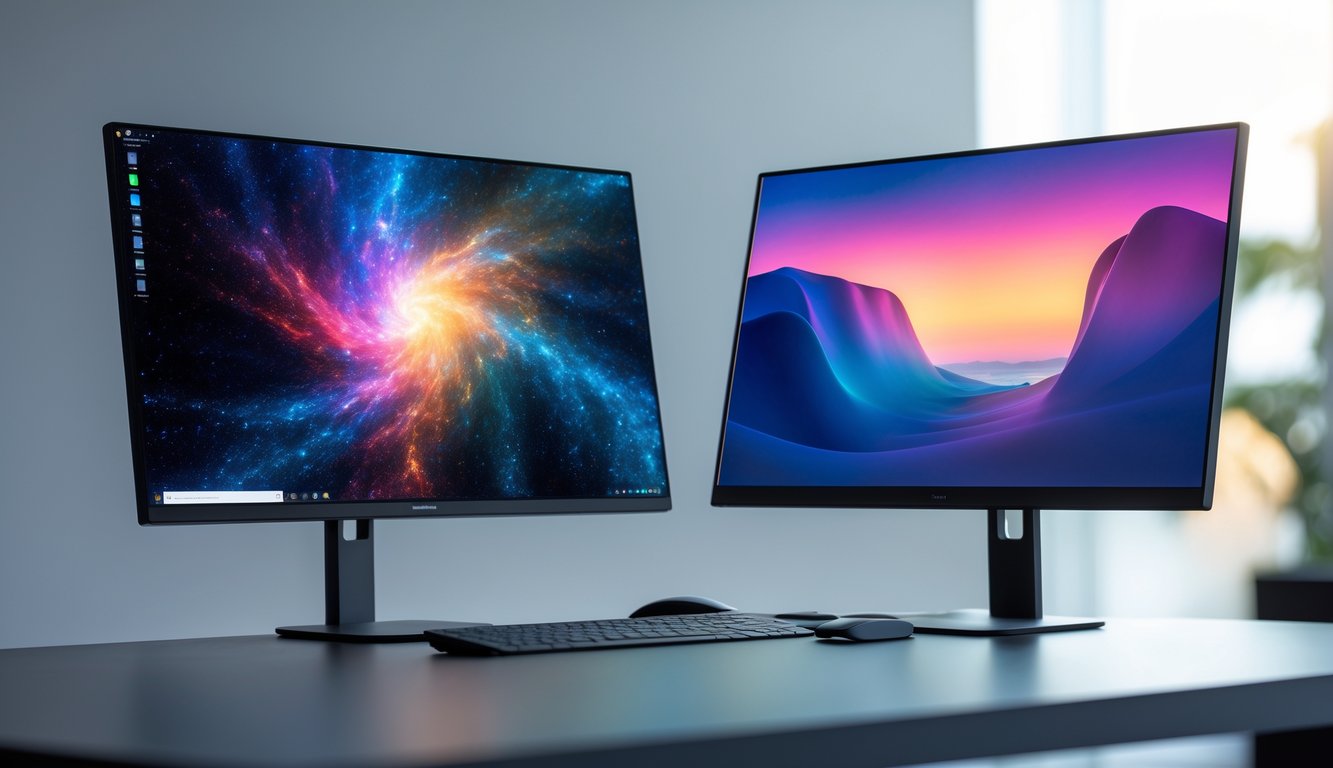
Your choice between OLED and IPS significantly affects how images appear and how the display performs in various tasks. Factors like color accuracy, brightness, contrast, and response time will influence your viewing experience, especially for gaming, media, or professional use.
IPS panels are widely recognized for their strong color accuracy and consistency. They maintain stable color reproduction across wide viewing angles, making them ideal if you need precise colors for activities like photo editing or graphic design.
OLED displays produce vivid colors with excellent saturation. Their self-emissive pixels allow deeper and more vibrant colors, but some models may sacrifice slight color accuracy for enhanced contrast. Calibration can improve this.
If color fidelity is your priority, especially under consistent angles, IPS is dependable. For richer, more eye-catching colors without strict color matching needs, OLED serves well. Both types perform well, but your application guides the best choice.
IPS monitors rely on backlighting, which typically results in high maximum brightness. Newer IPS models use MiniLED backlights to boost brightness and control local dimming, raising contrast substantially.
OLED pixels emit their own light, enabling true blacks by turning off pixels completely. This creates an infinite contrast ratio and avoids backlight bleeding, visible in IPS panels.
In bright environments, IPS can sometimes appear clearer due to higher peak brightness. OLED excels in dark scenes because of its perfect black levels, enhancing details in shadows. Choose based on your lighting conditions and contrast needs.
HDR performance depends on the display’s ability to render brightness and contrast accurately. IPS displays with MiniLED or FALD backlighting provide strong HDR by producing high brightness and good local dimming.
OLED supports HDR with exceptional contrast thanks to its ability to turn off individual pixels. However, its peak brightness usually remains lower than top-end IPS options, which can limit HDR highlights.
Your decision for HDR should weigh whether deeper blacks or higher brightness is more important. OLED shines in delivering impactful dark scenes, while IPS may better handle bright highlights.
OLED screens have faster response times because pixels switch on and off individually without a backlight. This reduces motion blur and ghosting, which is critical for fast-paced content.
IPS panels have improved greatly, now offering lower response times and higher refresh rates, often reaching 144Hz or more, suitable for gaming. However, their response time remains slower than OLED’s inherent pixel speed.
If you prioritize extremely smooth motion handling, especially in competitive gaming, OLED holds an edge. For general use and gaming, modern IPS displays provide adequate performance with high refresh rates and good response times.
OLED provides superior motion clarity and deeper blacks, creating immersive game visuals. Its lower input lag and faster response improve reaction times in fast games.
IPS monitors offer advantages in color accuracy and durability, often with high refresh rates and adaptive sync technologies like G-Sync or FreeSync to reduce tearing and stuttering.
Consider your gaming preferences: if you want vivid colors and unbeatable contrast with fast responses, OLED is strong. If you favor brightness in various environments and consistent color accuracy with proven durability, IPS may suit you better.
More details on each panel’s strengths are available in this comparison of IPS vs OLED.
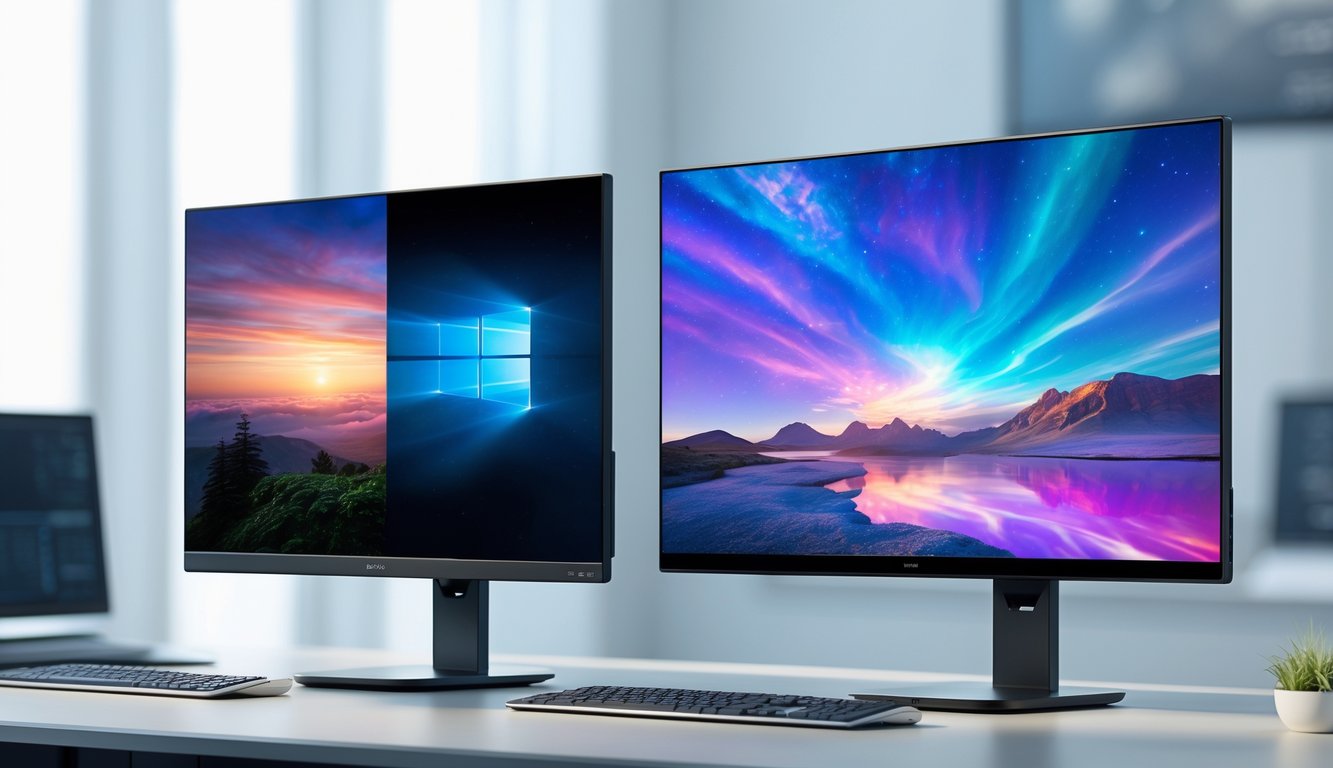
When choosing between OLED and IPS displays, consider factors like risk of burn-in, overall lifespan, and power efficiency. These aspects directly affect how long your screen stays reliable and how it performs in everyday use.
OLED screens are made of organic materials that emit light individually. This makes them prone to burn-in, where static images leave permanent shadows after prolonged display.
Burn-in typically occurs with persistent UI elements like taskbars or logos. While mild image retention can appear temporarily, true burn-in is permanent and worsens over time.
IPS panels use backlighting and liquid crystals, which do not suffer from burn-in. You can display static content without worry. This makes IPS a safer option for workstations and office use.
If your usage involves heavy static imagery, an IPS display protects your investment. OLED burn-in risk is mitigated by newer technologies and usage habits but remains a critical consideration for long-term durability.
OLED panels degrade as organic compounds age, leading to reduced brightness and color accuracy over time. Typical OLED lifespan ranges between 20,000 and 30,000 hours before noticeable decline.
IPS displays generally have longer lifespans, often surpassing 50,000 hours, due to more stable LED backlighting and less sensitivity to organic decay.
Maintenance for OLED requires attention to screen brightness and avoiding static images. IPS demands less care, with longevity supported by mature LCD technology.
If you want a display that keeps stable performance for many years, IPS offers better endurance. OLED’s initial superior picture quality may fade with prolonged use, affecting visuals and reliability.
Power usage differs significantly between the two types. OLED pixels emit their own light and turn off completely for black areas, making them highly efficient with dark or mixed content.
IPS screens rely on constantly backlit LEDs, which consume similar power regardless of displayed image brightness. This leads to higher average power consumption for bright and dark scenes alike.
For users mindful of energy efficiency, OLED can reduce power draw when displaying darker content or in HDR mode. IPS generally uses steady energy, which can be more predictable but less efficient.
Understanding how you use your display—bright or dark content—helps you decide based on power needs alongside durability factors.
For more detailed technical differences, see this comparison of OLED and IPS monitors.
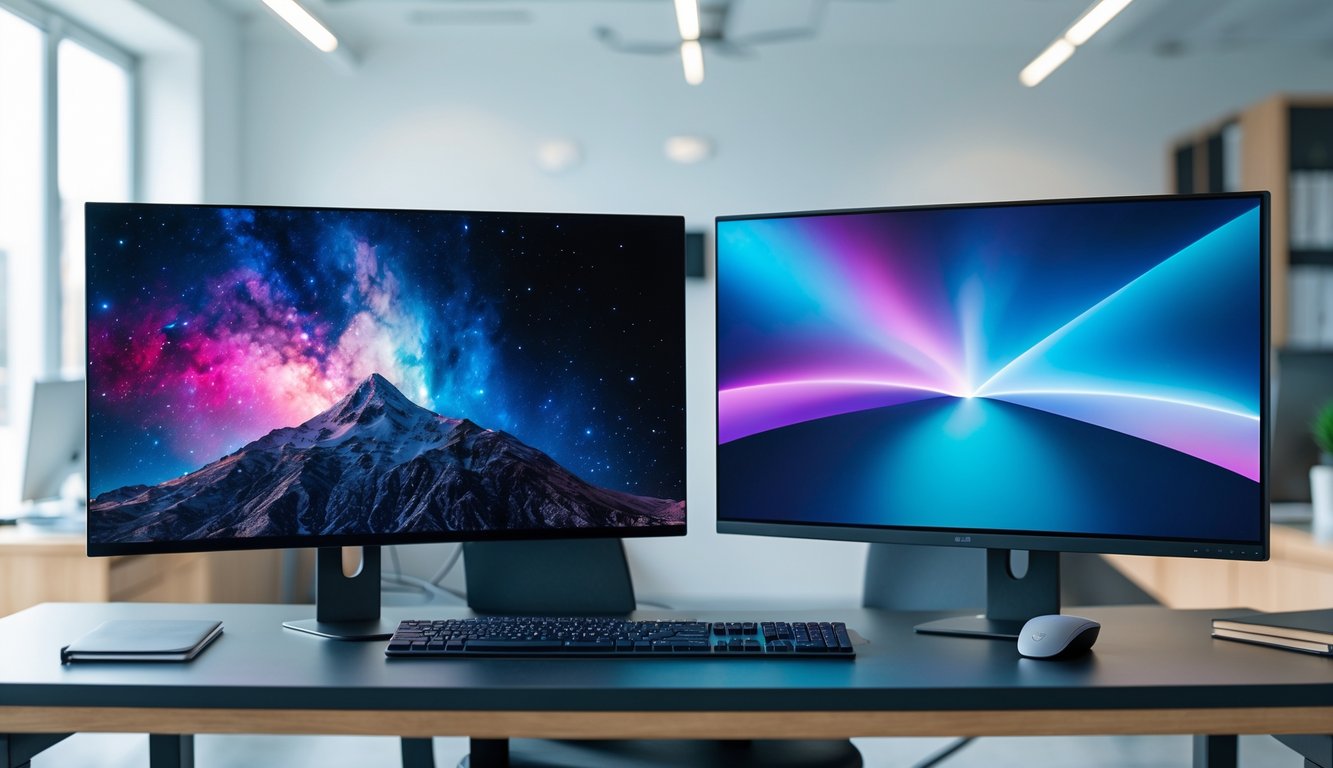
Choosing between OLED and IPS depends on your priorities such as color accuracy, contrast, viewing angles, and usage patterns. Both technologies offer distinct benefits that align with different needs.
Choose IPS if you need consistent color accuracy and wide viewing angles. IPS displays maintain color fidelity even when viewed from sharp angles, making them ideal for collaborative environments.
If you work with photo editing, graphic design, or any task where color precision is vital, IPS panels deliver reliable, accurate colors. They also tend to have less risk of image retention compared to OLED.
Budget considerations matter. IPS monitors generally come at lower prices than OLEDs while still offering solid performance. Their brightness levels can be higher in some cases, useful for well-lit rooms.
OLED excels in delivering deep blacks and superior contrast ratios since each pixel emits its own light. This means you get true black levels and better details in dark scenes.
If you prioritize vibrant colors, strong contrast, and immersive visuals, OLED offers a significant advantage over IPS. The viewing experience is often more engaging for media consumption.
However, be aware of potential burn-in risks with OLED technology, mainly for static images. Modern OLEDs do include mitigation techniques, but they still require careful use.
For gaming, the choice depends on what you value most: speed, image quality, or longevity. OLED screens typically provide faster response times and better contrast, enhancing immersion in darker games.
IPS panels are a strong choice too, offering lower costs and no burn-in risk. They have decent response times but slightly less contrast. If you play fast-paced games, ensure the IPS monitor has a high refresh rate.
Gamers sensitive to static HUD elements might prefer IPS to avoid burn-in. OLED is beneficial for players seeking the most vivid and deep visuals on varied game genres.
Professionals requiring precise color work should lean toward IPS monitors. The consistent color reproduction and wider color gamut coverage suited for editing, printing, or video production makes IPS panels preferable.
OLED can be useful in video editing for better contrast to spot detail in shadows and highlights. Yet, color shifts at different brightness levels may complicate accurate color grading.
Durability over extended use favors IPS with no burn-in concerns. If your work involves long hours and static content, IPS provides greater reliability.
For general tasks like web browsing, office work, or casual media, either OLED or IPS can work depending on budget and preference.
If you want vivid colors and rich contrast for movies and games, OLED is a strong choice. If you prefer consistent viewing angles and avoid burn-in risk, IPS monitors offer dependable service.
Brightness in IPS panels may better suit bright rooms or daylight use, while OLED stands out in darker environments. Assess your typical lighting situation when deciding.
Learn more about the differences in monitor technology at OLED vs IPS: The Main Differences In Monitor Panels.
You will find OLED monitors more expensive than IPS models due to their advanced technology. Availability varies depending on size and brand, with IPS panels generally easier to find in a wider range of options. Pricing and deals shift frequently, so it’s important to know where to look.
OLED monitors typically cost significantly more than IPS monitors. For example, mid-range IPS models may start around $200-$300, while OLED versions often begin near $700 and can exceed $1,000 depending on features.
The higher price of OLEDs reflects deeper contrast, faster response times, and self-emissive technology. IPS displays offer good color accuracy and wider availability at lower prices, making them a more budget-friendly choice.
You can expect OLED pricing to remain premium, especially for larger sizes or 4K resolutions. IPS technology dominates the market with more affordable options across various sizes and resolutions. For detailed comparisons, visit IPS vs OLED monitor pricing guides.
Your best chance at OLED deals comes during seasonal sales like Black Friday or Amazon Prime Day, where discounts of 10-30% occasionally appear. IPS monitors see more frequent promotions due to their larger market share.
Look for bundle offers that include warranties or accessories to add value to your purchase. Some models come with calibration tools or free software, improving the IPS experience without added cost.
Check retailer websites and follow price trackers to spot sudden price drops. You may find OLED discounts limited but still worth exploring if image quality is a priority. IPS options provide consistent savings and wider deals for budget-conscious buyers.
Understanding how to maintain your monitor, choose the right resolution, set up multiple displays, select the ideal size, and identify panel types can improve your overall viewing experience. These practical details help you make informed decisions based on your needs.
OLED burn-in happens when static images remain on the screen for long periods, causing permanent discoloration. To prevent this, avoid leaving static UI elements like taskbars visible for too long.
Use screen savers or set your display to turn off when inactive. Adjust brightness to moderate levels since very high brightness can accelerate burn-in.
Many OLED monitors include features like pixel shifting, which slightly moves the image to reduce burn-in risk. Regularly varying your content and using dark modes can also help preserve your screen.
4K gaming monitors deliver sharp, detailed images with a resolution of 3840×2160 pixels, ideal if you want high visual fidelity.
However, to fully benefit from 4K, your graphics card must handle gaming at that resolution with good frame rates. If your hardware is less powerful, you may experience lag or lowered performance.
For competitive gaming, lower resolutions with higher refresh rates (144Hz or above) might provide smoother gameplay. For immersive single-player games or multimedia, 4K is worth considering.
For multi-display setups, consistency in panel type and size matters. IPS monitors are generally preferred because they offer wide viewing angles and color accuracy from different angles, maintaining a uniform look.
Using monitors with the same resolution and refresh rate helps avoid visual mismatch and tearing. OLED panels can be used, but color shifts at angles might affect seamless visual flow.
Also, thin bezels improve the aesthetics of multi-monitor arrays, reducing distractions between screens.
The best monitor size depends on your desk space, viewing distance, and use case. For general productivity, 24-27 inches is optimal.
If you work with detailed content or multitask heavily, 32 inches or larger can improve visibility and reduce the need for multiple monitors.
For gaming, a 27-32 inch screen balances immersion and pixel density. Sitting about 2-3 feet from your monitor is recommended for comfortable viewing.
To identify your monitor’s panel type, check the manufacturer’s specifications on the official website or product manual.
You can also use online databases or review sites that specify panel types for popular models.
Sometimes, settings menus on the monitor indicate panel technology. Visual traits like color accuracy, contrast, and viewing angles can hint at the panel type: IPS typically has wide angles, OLED features deep blacks, and TN panels are faster but with narrower angles.
For detailed comparisons, see guides on OLED vs IPS monitors.